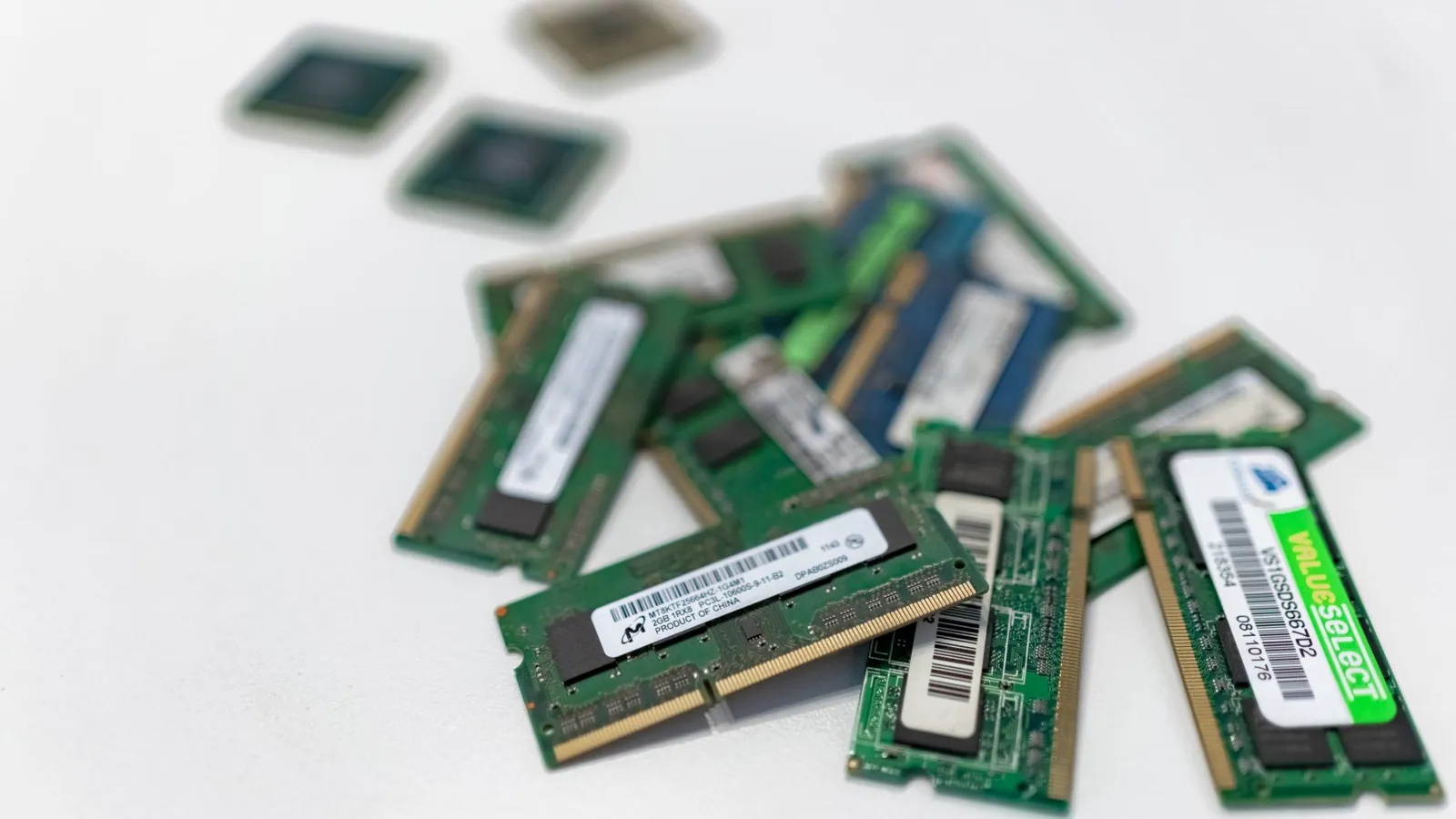
64GB RAM is overkill for gaming in 2026. Find out how much RAM you actually need, what it costs, and why your budget belongs on a GPU or a better mouse instead.
# RAM in 2026: Why 64GB Is Overkill for Gaming and What You Actually Need
A 64GB RAM kit sat in my basket for three weeks last winter. Every time I opened the store page, the little voice whispered: future-proofing. Then I checked what my machine actually used during a four-hour session of *Cyberpunk 2077* with Discord, a browser and OBS running. It peaked at 21GB. The kit went back on the shelf, and the money went toward a better monitor.
So let us answer the question outright: no, 64GB is not overkill in every context, but for gaming in 2026 it absolutely is. And no, **does it matter what mouse you use for gaming** is not the silly question it sounds like, because it tells you something important about where your money should go. Peripherals and the right RAM capacity beat raw RAM volume every time.
## The falling numbers tell the story
TweakTown flagged something quietly funny this year: the number of PCs shipping with 64GB of RAM is dropping fast. Not because gamers got poorer. Because they got smarter. Memory prices climbed through 2025 and into 2026 as AI data centres hoovered up DRAM supply, and suddenly a 64GB DDR5 kit that cost $190 in early 2025 was sitting at $340 or more in London and New York. When the price signal got loud enough, people actually checked their task manager. Most of them did not like what they saw.
Here is the blunt version of gaming RAM requirements in 2026:
| Game type | RAM actually used | Recommended total |
|---|---|---|
| Esports (Valorant, CS2, Rocket League) | 6 to 10GB | 16GB |
| Modern AAA single player | 12 to 18GB | 32GB |
| AAA plus streaming/recording | 18 to 24GB | 32GB |
| Heavy modding (Cities: Skylines II, Starfield) | 24 to 30GB | 32GB, 64GB only if you mod hard |
| Everything above at once, plus VMs | 30GB+ | 64GB |
Notice the gap. Even the messiest gaming workload on that list does not touch 32GB. The 64GB tier exists for people running virtual machines, compiling code, or editing 8K video. If you are reading a gaming site, that is probably not you.
## Why the myth survives
Two reasons. First, system builders and prebuilt sellers love big numbers on a spec sheet. "64GB" sells a machine to someone who does not know better, and it costs the seller less than a better GPU. Second, RAM is the cheapest component to upgrade, so it feels like low-risk insurance. Spend $100 more now, never think about it again. That logic worked in 2019 when 16GB was borderline. It does not work when the same $100 buys you a meaningful jump in GPU tier.
The uncomfortable truth: most games are GPU-bound and CPU-bound long before they are RAM-bound. Adding memory beyond what the game needs changes nothing. Zero frames. No smoother 1% lows. Nothing.
## A worked example with real money
Take a mid-range build for 1440p gaming, priced for a US buyer in November 2026:
- CPU: Ryzen 7 9700X, about $310
- GPU: [RTX 5070 Ti](/blog/nvidia-gpu-prices-in-2026-how-to-build-a-gaming-pc-without-breaking-the-bank), about $750
- Motherboard: B650, about $160
- 32GB DDR5-6000 kit: about $130
- 1TB NVMe SSD: about $90
- PSU, case, cooler: about $250
Total: roughly $1,690.
Now swap the 32GB kit for 64GB. That is about $210 more, taking you to $1,900. You gained nothing in games. Alternatively, keep 32GB and put the $210 toward an RTX 5080, which is roughly $1,000. Total: $1,940. For $40 more than the 64GB build, you get a GPU that delivers 20 to 30 percent more frames in most titles at 1440p. That is the entire argument in one comparison. Memory you do not use is money you cannot spend on pixels you can see.
And while we are here: the same principle applies to your desk. **Does it matter what mouse you use for gaming**? Yes, and a $60 mouse that fits your grip will improve your aim more than 32GB of unused RAM ever will. A Logitech G Pro X Superlight 2 or a Razer Viper V3 Pro at around $150 will change how you play. A 64GB kit will not.
## What we recommend
**Our take: buy 32GB DDR5-6000 CL30 and stop.** For a US, UK or European gamer building in 2026, that is the sweet spot. It handles every AAA release, every [streaming setup](/blog/how-to-set-up-two-pcs-for-streaming-and-gaming-a-step-by-step-guide), and most modding scenes with headroom to spare. Expect to pay around $130 in the US, £110 in the UK, or €125 in the eurozone.
- **Budget esports build:** 16GB DDR5-5600, around $70. Fine for Valorant, CS2, League.
- **Standard gaming build:** 32GB DDR5-6000 CL30. This is the pick. Corsair Vengeance and G.Skill Flare X5 both do the job.
- **Enthusiast modder or streamer with a second PC:** 64GB. Genuinely justified, but only if you have measured your usage and hit the ceiling.
- **Skip:** 128GB unless you are running local AI models or a home lab.
One caveat: check your motherboard's memory QVL before buying, and enable EXPO or XMP in BIOS. A 32GB kit running at 4800MHz because you forgot to enable the profile will underperform a properly configured 16GB kit. Speed and timings matter more than capacity once you clear 32GB.
## The goal you are actually chasing
You want smooth frame times, no stutter, and a machine that lasts four or five years. RAM capacity is the least important lever for that. The levers that matter, in order: GPU tier, CPU single-core performance, SSD speed, then RAM speed and capacity. Spend accordingly. If you are on 16GB in 2026 and seeing stutter in newer titles, jump to 32GB. If you are already on 32GB, your money belongs elsewhere: a better monitor, a faster SSD, a mouse that fits your hand.
## What to do this week
Open Task Manager, play your heaviest game for an hour with everything else running, and check the peak memory figure. If it is under 28GB, do not buy 64GB. Buy 32GB if you are below that, or buy nothing and put the cash toward your next GPU. The falling 64GB numbers are not a warning. They are a correction, and a sensible one.
## FAQ
**Is 64GB RAM overkill for gaming in 2026?**
Yes, for almost every gamer. Modern titles rarely exceed 20GB of system memory use, and 32GB covers AAA gaming plus streaming with room to spare. Only heavy modding or running virtual machines justifies 64GB.
**How much RAM do I need for 1440p or 4K gaming?**
Resolution affects VRAM, not system RAM. 32GB DDR5 is the right answer for 1440p and 4K gaming in 2026. Spend the difference on a stronger GPU instead.
**Does it matter what mouse you use for gaming?**
It matters more than most people admit. Grip shape, weight and sensor quality affect aim and comfort far more than extra RAM ever will. A $60 to $150 mouse is a better upgrade than doubling your memory.
Frequently asked questions
Is 64GB RAM overkill for gaming in 2026?
Yes, for almost every gamer. Modern titles rarely exceed 20GB of system memory use, and 32GB covers AAA gaming plus streaming with room to spare. Only heavy modding or running virtual machines justifies 64GB.
How much RAM do I need for 1440p or 4K gaming?
Resolution affects VRAM, not system RAM. 32GB DDR5 is the right answer for 1440p and 4K gaming in 2026. Spend the difference on a stronger GPU instead.
Does it matter what mouse you use for gaming?
It matters more than most people admit. Grip shape, weight and sensor quality affect aim and comfort far more than extra RAM ever will. A $60 to $150 mouse is a better upgrade than doubling your memory.
 GamesNFans