
GamesNFans logo GamesNFans

GPU prices 2026: when to buy your next graphics card

Track GPU prices like a pro. Learn the 14-day baseline trick, the real discount windows in the US, UK and Europe, and exactly when to pull the trigger.
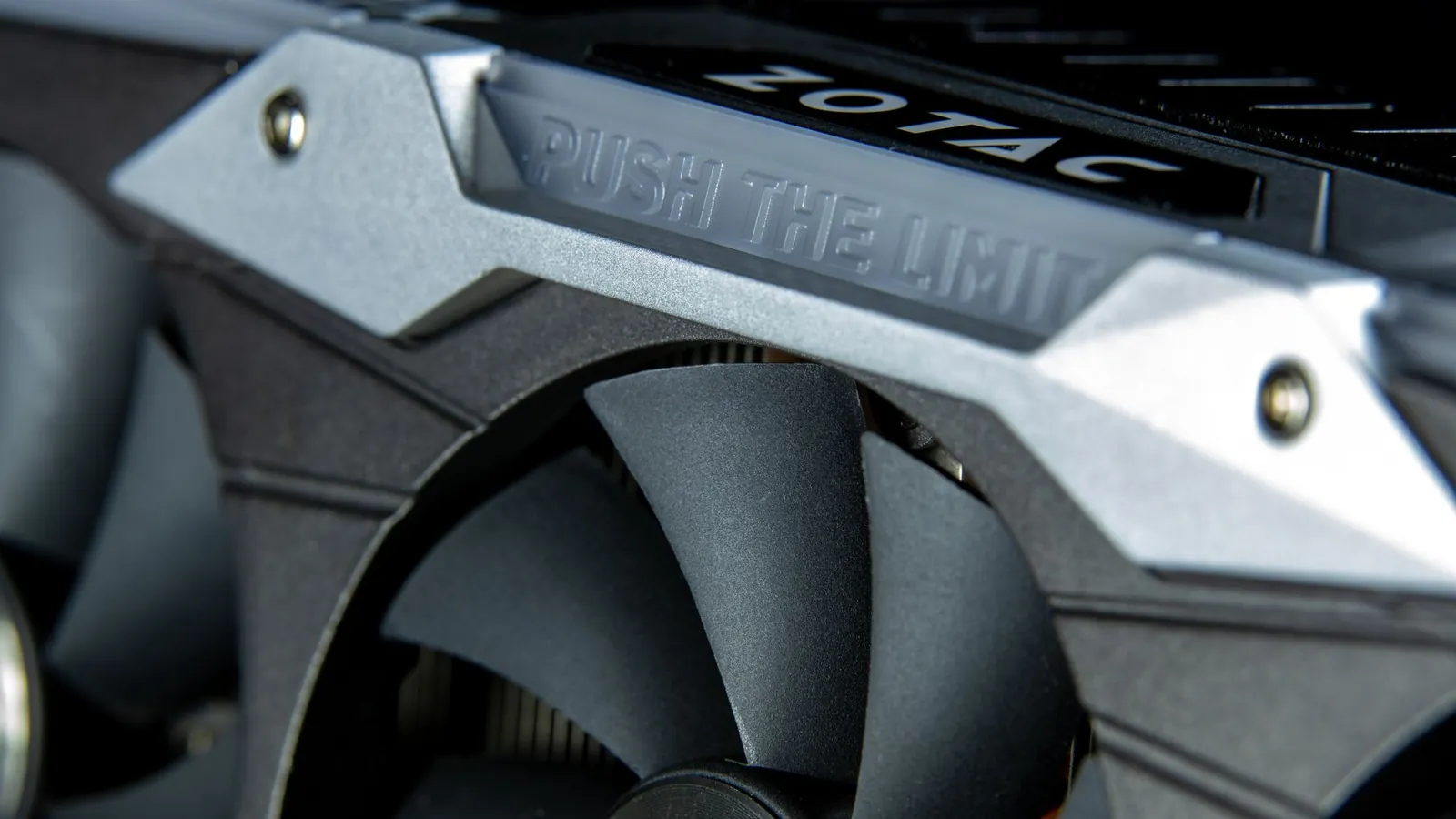
GPU Price Tracking 2026: How to Time Your Next Graphics Card Buy — illustrative featured image
## Should you even buy a graphics card in 2026? Short answer: probably not this month, and almost certainly not at the first price you see. Here is the outcome you will have by the end of this piece. You will know the realistic street price of the card you actually want, you will know whether the next six weeks are likely to push that price up or down, and you will know the exact day you should pull the trigger. Reading and checking takes about twenty minutes. Waiting, if the signals say wait, takes until late November or early January. But first, the gate. If you are gaming at 1080p on a card from the RTX 30 series or newer and you are happy with frame rates, close this tab. There is no GPU in 2026 that will change your life enough to justify $400 or £350. The same goes for anyone who mostly plays esports titles: Valorant, CS2 and [Rocket League](/blog/esports-in-schools-benefits-clubs-and-how-to-get-started) will run on a potato with a decent CPU behind it. And if you are mid-way through learning how to build pc from scratch, buy the rest of the machine first. A GPU is the easiest part to swap later and the hardest part to buy well in a hurry. You should keep reading if any of these are true: - Your card is older than a GTX 1660 Super or RX 580 and modern releases are stuttering at 1080p. - You are moving to 1440p or 4K and your current card is below 8GB of VRAM. - You are building new and need to know whether to buy the GPU now or hold the budget back. If that is you, the rest of this is a decision tree, not a spec sheet. ## The 5 things that actually matter Ignore the marketing slides. Five variables decide whether a card is good value in 2026, and four of them are boring. ### 1. VRAM, and the 8GB cliff 8GB cards are now a genuine liability at 1440p. Several 2026 releases ship with texture packs that push past 8GB at high settings, and when VRAM runs out you do not get a graceful frame drop, you get stutter that no amount of upscaling fixes. 12GB is the sensible floor for 1440p, 16GB for 4K or heavy modding. The trade-off is real: a 16GB card at the same price as a faster 12GB card is usually the better long-term buy, but not always the better buy this year. ### 2. The tier of the GPU, not the generation A current mid-range card beats a two-generation-old flagship on efficiency, warranty and driver support, but loses on raw raster performance more often than forums admit. Check benchmarks for the specific games you play. A used RTX 3080 at a fair price still humiliates most new $300 cards at 1440p. The trade-off is warranty and power draw, and we will come back to both. ### 3. Street price versus list price Manufacturer recommended prices are fiction in 2026. Retailers in the US, UK and Europe have been running 10 to 20 percent above list on popular tiers for most of the year, with the gap widening around big release windows. Track the street price for two weeks before you decide anything. Tom's Hardware runs a daily lowest-price tracker across Nvidia, AMD and Intel cards, and that single page is worth more than any YouTube review for timing purposes. ### 4. Your power supply and case A modern high-end card can pull 300W or more on its own. If your PSU is a 550W unit from 2019, budget for a replacement, roughly $80 to $110, and add it to the card's price before you compare deals. This is the single most common hidden cost in an upgrade and the reason so many "great deals" turn into a second shopping trip. ### 5. Upscaling and frame generation support Every major vendor now leans on software to hit frame targets. That is fine, but support varies by game and by card generation. Older cards often get left out of the newest features. If you plan to keep a card for four years, buy into the current generation's feature set even if the raw numbers look similar to last year's model. ## Budget tiers Prices below are typical street prices as of early November 2026, before any seasonal discounting. US dollars, with UK and Europe roughly tracking at parity once you account for VAT. | Tier | Price range | What you get | What you skip | |---|---|---|---| | Entry | $200 to $300 | Solid 1080p at high settings, 8 to 12GB VRAM, 60 to 100fps in most current titles | 1440p at high refresh, ray tracing worth using, 4K entirely | | Mid | $350 to $550 | Comfortable 1440p at 100fps+, 12 to 16GB VRAM, usable ray tracing, four to five year lifespan | 4K at high refresh, max settings with path tracing | | Premium | $700 to $1,100+ | 4K at 60fps+ or 1440p at 200fps+, 16GB+ VRAM, full feature support | Nothing except your budget. Diminishing returns start hard above $800 | The honest note on diminishing returns: above roughly $800, each extra $100 buys you a smaller frame-rate jump than the last. Going from a $400 card to a $550 card is transformative. Going from $800 to $1,000 is a 10 to 15 percent gain you will notice in benchmarks more than in play. Spend the difference on a better monitor instead. ## Our top picks ### Entry: Nvidia GeForce RTX 5060 Why: it handles 1080p at high settings without drama and the 12GB variant sidesteps the VRAM cliff that sinks cheaper cards. Typical price $280. ### Mid: AMD Radeon RX 9070 Why: the best frames-per-dollar at 1440p this year, with enough VRAM to last, and it undercuts the equivalent Nvidia card by a meaningful margin. Typical price $480. ### Premium: Nvidia GeForce RTX 5080 Why: if you are going 4K or high-refresh 1440p, this is the card that does not make you compromise on settings, and it holds resale value better than anything else in the tier. Typical price $950. ## How to time the buy: five steps ### Step 1: Lock your target card and resolution Write down one card and one resolution. Not a shortlist, one card. This produces a single price to track instead of a fog of options. What goes wrong: you keep three cards in play, the prices move in different directions, and you freeze. Pick one. ### Step 2: Record the street price for 14 days Check the Tom's Hardware tracker and two retailers in your country each morning. Note the lowest figure. This produces your baseline. What goes wrong: you only check one retailer and mistake a sale for the real price. Cross-check at least two. ### Step 3: Identify the discount window In the US, the deepest cuts land in the last week of November and the first week of December. In the UK and Europe, Boxing Day and the January sales are usually stronger than Black Friday for GPUs specifically. This produces a target date. What goes wrong: you assume Black Friday is always best and buy early at a fake discount. Compare against your 14-day baseline, not against list price. ### Step 4: Set a buy price, not a buy date Take your baseline and subtract 8 percent. That is your trigger. If the card hits it before your discount window, buy. This produces a rule that stops you overthinking. What goes wrong: you chase a further 3 percent and the stock sells out. The card you wanted at a good price beats the card you wanted at a perfect price that no longer exists. ### Step 5: Check the rest of the build before you pay Confirm PSU wattage, case clearance and monitor refresh rate. This produces a card that actually works when it arrives. What goes wrong: the card shows up, the PSU does not have the right connector, and you are stuck for a week. Five minutes of checking prevents it. ## Common mistakes to avoid 1. **Over-speccing for your monitor.** A $950 card driving a 1080p 60Hz panel is money on fire. Match the card to the display, not to the benchmark chart. 2. **Forgetting the PSU and connectors.** Add $80 to $110 to any high-end card purchase unless you know your PSU is current and rated high enough. 3. **Buying at list price in release week.** New cards carry a scarcity premium for four to eight weeks. Wait it out. 4. **Ignoring the used market entirely.** A well-kept previous-generation card at 60 percent of new price is often the smartest buy in the entry tier, provided you can verify it was not mined on and has warranty left. 5. **Skipping the return window check.** Retailer return policies vary wildly across the US, UK and Europe. Confirm yours before you open the box. ## FAQ **Does the warranty transfer if I buy used?** In the US, most manufacturers tie warranty to the original purchaser, so a used card often has none. In the UK and EU, statutory consumer rights sit with the retailer, which makes buying used from a shop safer than from a stranger. If warranty matters to you, buy new or buy from a retailer that offers its own guarantee. **Will my card hold resale value?** Flagship Nvidia cards hold value best, typically 50 to 60 percent after two years. Entry cards depreciate fastest. If resale matters, buy one tier above what you need and sell before the next generation launches. **How often should I upgrade?** Every four to five years for mid-tier buyers, every three for premium. Upgrading every generation costs more and delivers less each time. Skip at least one full generation between purchases.

Frequently asked questions

Does the warranty transfer if I buy used?

In the US, most manufacturers tie warranty to the original purchaser, so a used card often has none. In the UK and EU, statutory consumer rights sit with the retailer, which makes buying used from a shop safer than from a stranger. If warranty matters to you, buy new or buy from a retailer that offers its own guarantee.

Will my card hold resale value?

Flagship Nvidia cards hold value best, typically 50 to 60 percent after two years. Entry cards depreciate fastest. If resale matters, buy one tier above what you need and sell before the next generation launches.

How often should I upgrade?

Every four to five years for mid-tier buyers, every three for premium. Upgrading every generation costs more and delivers less each time. Skip at least one full generation between purchases.