
GamesNFans logo GamesNFans

How to Build a Gaming PC for Gaming in 2026

Nvidia GPU prices are spiking. Learn how to build a gaming PC without overpaying, with real 2026 part picks and a 5070 Ti reality check.
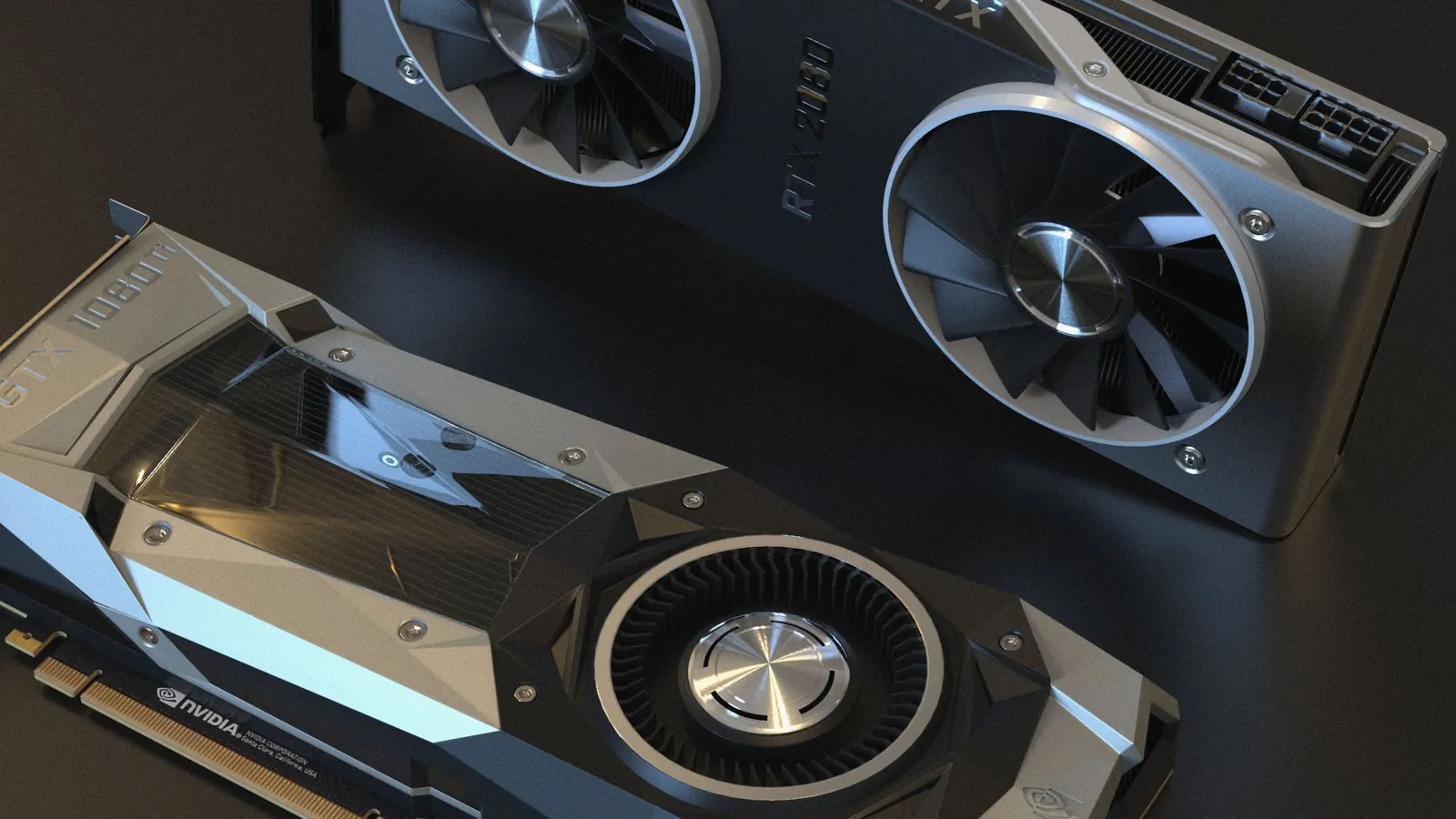
Nvidia GPU Prices in 2026: How to Build a Gaming PC Without Breaking the Bank — illustrative featured image
# Nvidia GPU Prices in 2026: How to Build a Gaming PC Without Breaking the Bank The RTX 5070 Ti launched at $749. In parts of Europe this week, listings are creeping toward $1,400, and a rumor doing the rounds suggests we could see close to triple MSRP before spring. That is not a typo. That is the state of the GPU market in late 2026, and it is why so many of you are asking us the same question: how do you build a [gaming PC](/blog/720hz-gaming-monitor-for-esports-is-it-worth-buying-in-india) for gaming without getting fleeced? Here is the honest answer up front. You can still build a capable 1440p machine for around $1,100 to $1,300 in the US, £1,000 to £1,150 in the UK, and €1,150 to €1,300 in the eurozone. It takes about two hours of parts research and 90 minutes of assembly. But you have to stop shopping the way the marketing tells you to. Below is the decision tree we would walk a friend through, in order, with the traps flagged at each step. ## Step 1: Decide whether you are buying a GPU at all this quarter This is the fork in the road, and most people skip it. If your current card still runs the games you actually play at a frame rate you find acceptable, do not buy into this market. The Nvidia GPU price hike rumor is doing what rumors do: it is pulling forward demand and inflating street prices on everything adjacent, including used cards. Waiting is a legitimate strategy, not a cop-out. **What goes wrong here:** you convince yourself your 3060 Ti is "basically dead" because a YouTube benchmark said so. Open the three games you play most, check your actual frame times, and decide with data. If they run fine, you are done. Close the tab. If your card genuinely cannot keep up, move to Step 2. ## Step 2: Pick your resolution target before your brand The single biggest cost lever is not the GPU brand. It is the monitor you are building around. A 1440p target lets you buy a mid-tier card and keep the rest of the budget sane. A 4K target forces you into the exact tier that is being price-gouged. | Target | Sensible GPU tier | Realistic total build (USD) | |---|---|---| | 1080p high refresh | RTX 5060 / RX 9060 XT | $750 to $950 | | 1440p high refresh | RTX 5060 Ti 16GB / RX 9070 | $1,100 to $1,300 | | 4K | RTX 5070 Ti and up | $1,900 and climbing | **What goes wrong here:** you buy a 4K monitor on sale first, then discover the card to drive it costs more than the rest of the PC combined. Buy the monitor last, or at least price the GPU it demands before you commit. ## Step 3: Price the RTX 5070 Ti against its rivals, honestly The 5070 Ti is a good card. At $749 it was a sensible 1440p-to-4K pick. At $1,200 or more, it is a bad buy, full stop, and you should say so out loud when you see it. The RTX 5070 Ti price is now a moving target across US, UK and European retailers, and the spread between them is wider than it has been in years. Check three things before you pay a premium: 1. The **AMD RX 9070 XT**, which typically sits $100 to $200 below a marked-up 5070 Ti and trades blows at 1440p. 2. The **previous generation used market** (RTX 4070 Super, RX 7900 GRE). A card with 12 months of warranty left is not a gamble if you buy from a reputable reseller. 3. **Bundle pricing** from system integrators, which sometimes absorb GPU markup better than DIY retail because they buy in volume. **What goes wrong here:** you anchor on MSRP and refuse to look at alternatives, so you either overpay or wait forever. MSRP is a fiction this year. Compare what is actually on the shelf today. ## Step 4: Cut cost everywhere that is not the GPU or the PSU Here is where you claw back the markup. A $1,300 build can absorb a $300 GPU premium if you are ruthless elsewhere. - **CPU:** a Ryzen 5 7600 or Intel Core i5-14400F is plenty for 1440p. Do not buy a 9800X3D for a mid-tier card. - **Motherboard:** B650 or B760. You do not need PCIe 5.0 or a $300 board. - **Storage:** one 1TB NVMe drive. Add a second later when prices dip. - **Case and cooling:** a $70 airflow case and the stock cooler. Fancy AIOs are for people with money to burn. - **PSU:** do not skimp. A quality 750W Gold unit from a known brand is the one place a premium is worth it. **What goes wrong here:** you save $40 on a no-name PSU and it takes the whole system with it in year two. Buy the PSU from a brand you have heard of, with a five-year warranty minimum. ## Our take: what we would actually build right now If we were spending our own money in November 2026, here is the call. For 1440p, we would pair a **Ryzen 5 7600** with an **RX 9070 XT** on a **B650 board**, 32GB of DDR5, a 1TB **Samsung 990 EVO**, and a **Corsair RM750e**. That lands near $1,200 in the US and comfortably under £1,150 in the UK. It sidesteps the Nvidia markup entirely and will hold 1440p high refresh for three years. If you must have Nvidia for DLSS or CUDA work, buy the **RTX 5060 Ti 16GB** and accept 1440p at high rather than ultra. Do not pay a 60 percent premium for a 5070 Ti this quarter. That is the whole recommendation. The affordable [gaming PC build](/blog/ea-sports-fc-27-tactics-system-a-beginner-s-playbook-for-smarter-build-up) in 2026 is the one that refuses to chase the headline card. ## Step 5: Assemble, then stress test before the return window closes Build order: CPU and cooler, RAM, motherboard into case, PSU, storage, GPU last. Boot to BIOS, enable EXPO or XMP, install Windows, then run a 30-minute stress test. **What goes wrong here:** it posts but crashes under load, usually RAM not seated or an unstable EXPO profile. If it fails, reseat the RAM and drop to the JEDEC default before you blame the board. You have 14 to 30 days to return most parts, so test hard in week one. ## FAQ **Is the RTX 5070 Ti price hike real or just a rumor?** The rumor points to near-triple MSRP. Street prices are already well above launch in Europe. Treat it as real enough to plan around, not confirmed enough to panic-buy. **Can I build a decent gaming PC for under $1,000 in 2026?** Yes, at 1080p. A 5060 or RX 9060 XT build with a Ryzen 5 and 16GB RAM fits under $1,000 in the US. It will not do 4K. **Should I buy a prebuilt instead of building?** If GPU markup is steep, a prebuilt from a volume integrator can be cheaper than DIY. Check the PSU and RAM spec before you bite, because that is where they cut corners.

Frequently asked questions

Is the RTX 5070 Ti price hike real or just a rumor?

The rumor points to near-triple MSRP. Street prices are already well above launch in Europe. Treat it as real enough to plan around, not confirmed enough to panic-buy.

Can I build a decent gaming PC for under $1,000 in 2026?

Yes, at 1080p. A 5060 or RX 9060 XT build with a Ryzen 5 and 16GB RAM fits under $1,000 in the US. It will not do 4K.

Should I buy a prebuilt instead of building?

If GPU markup is steep, a prebuilt from a volume integrator can be cheaper than DIY. Check the PSU and RAM spec before you bite, because that is where they cut corners.