
GamesNFans logo GamesNFans

Best Budget Gaming Mouse UK and a $500 PC Upgrade Plan

Skip the $1,200 prebuilt. Our $500 PC upgrade guide shows when to refresh your rig and when to replace it, plus the best budget gaming mouse UK buyers should g…
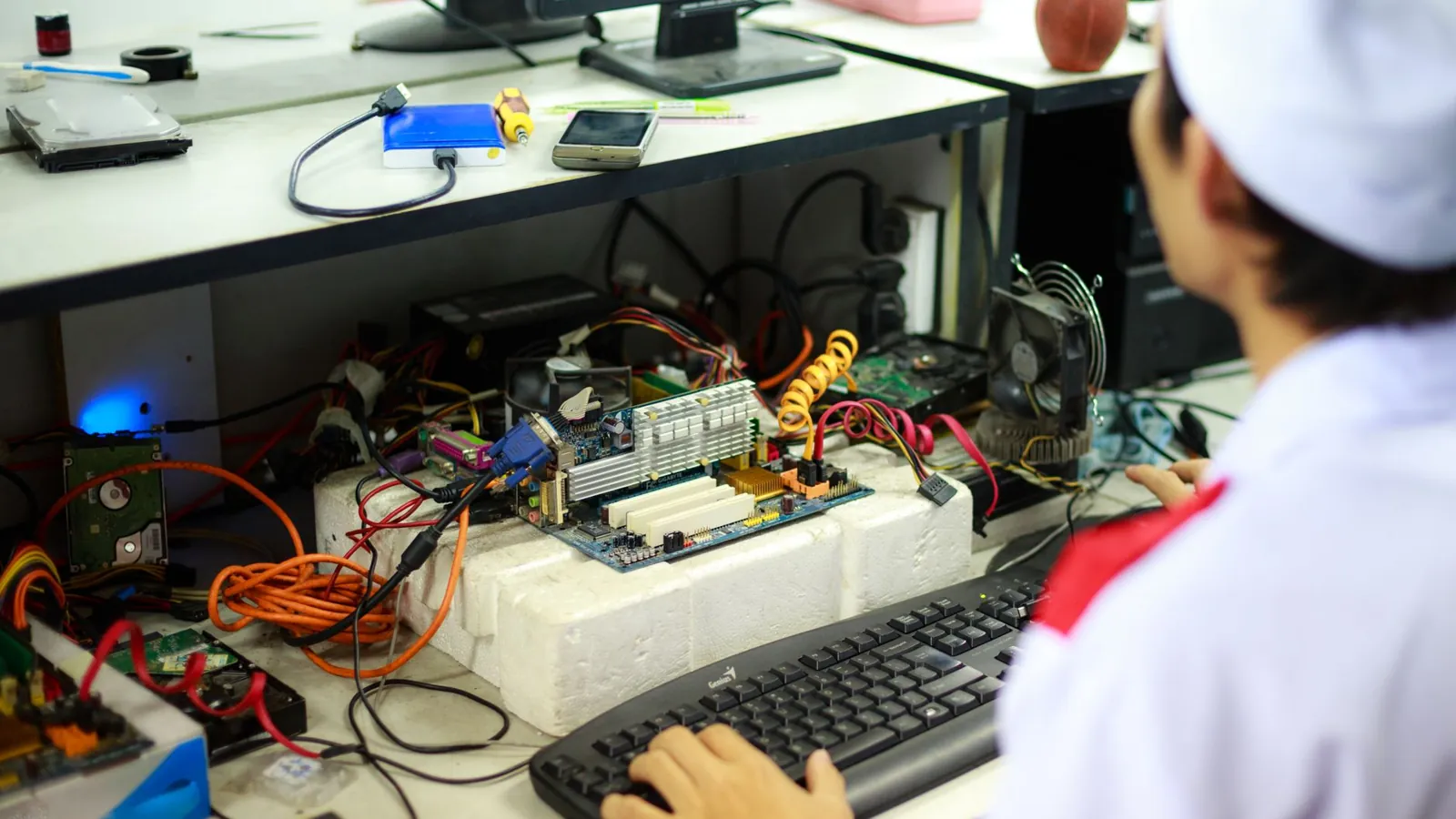
Upgrade or Replace? A $500 PC Refresh Plan That Beats Buying New — illustrative featured image
# Upgrade or Replace? A $500 PC Refresh Plan That Beats Buying New A mate of mine booted up the new cricket title on his six year old rig last month and spent the first over staring at a loading screen. His GPU was fine. His CPU was fine. The thing choking was a 240GB SATA drive with 4GB free and a case fan that sounded like a lawnmower. He was about to drop $1,400 on a prebuilt. We talked him out of it for $480, and he now runs the game at 1440p with room to spare. That is the whole argument in one anecdote. Most people reaching for a new PC do not need a new PC. They need three or four specific parts swapped, and they need to stop buying the wrong peripherals while they are at it (more on the **best budget [gaming mouse](/blog/champions-league-fantasy-football-tips-for-building-a-winning-squad) uk** buyers keep overpaying for in a moment). This is the decision we would make in your shoes, not a spec sheet. ## The three options, and who each one is for Every reader lands in one of three buckets. Name your bucket before you spend a penny. **Option 1: Targeted upgrade.** You keep the case, the power supply, the motherboard and probably the CPU. You replace the storage, the GPU, the RAM, and maybe the cooler. Cost: $300 to $600. This is for anyone whose machine is under five years old, boots into Windows without drama, and only struggles in the specific games they actually play. **Option 2: Full new build.** You start from an empty case. Cost: $900 to $1,500 for something genuinely better than a mid tier machine from 2021. This is for people on DDR3 era platforms, dead motherboards, or anyone whose PSU is a no name 450W unit from a decade ago. Upgrading a corpse is how you waste $400. **Option 3: Do nothing yet.** Your current PC handles your games at settings you can live with, and the money is better spent on a monitor, a chair, or literally anything else. We will say this plainly: a lot of you are in this bucket and refuse to admit it. ## The $500 playbook, step by step Here is how the $500 gets spent, in priority order. Prices are USD and reflect what we would expect to pay across the US, UK and Europe for equivalent parts. ### Step 1: Storage first, always ($70 to $110) A 1TB NVMe SSD is the single highest impact dollar you can spend. Load times in modern games collapse, Windows stops crawling, and the whole machine feels two years younger. If you are still on a hard drive in 2026, stop reading and go buy one. This is not optional. ### Step 2: RAM to 32GB ($60 to $90) 16GB is the new minimum and it is already creaking. Sim racing, strategy games, and anything with a browser open in the background will eat it. Match your existing kit's speed and generation. Do not buy DDR5 for a DDR4 board because a forum told you to. ### Step 3: The GPU is where the money goes ($250 to $320) This is the heart of the **PC upgrade guide** conversation. A current generation mid range card will double your frame rates over anything from 2019, and it drops straight into most cases with a decent PSU. Check your power supply's wattage and connector type before you order. If your PSU lacks the right cable, budget $60 for a replacement and thank us later. ### Step 4: Cooling and noise ($30 to $60) A $35 tower cooler and two case fans will drop temperatures and, more importantly, stop the jet engine impression. Thermal paste from 2021 has the consistency of chalk. Repaste while you are in there. That is roughly $470. Add a cheap but genuinely good mouse and you are at the $500 line. Which brings us to the peripheral trap. ## The peripheral trap: why the best budget gaming mouse UK buyers miss costs $35 People spend $500 on internals and then game on a $12 office mouse with a 125Hz polling rate. It is the most common self own in the hobby. A wired mouse with a modern optical sensor, 1,000Hz polling and a shape that fits your grip costs $30 to $40. Logitech's G203 line, Razer's DeathAdder wired variants, and SteelSeries' entry models all sit in that band. In the UK these regularly drop under £30, and European buyers can find the same shapes for under €35. If you want the wireless version, budget $60 to $80 and accept that the difference is cable feel, not performance. Do not spend $150 on a flagship mouse before your storage and RAM are sorted. Priorities. ## The comparison table that decides it | Factor | Targeted upgrade ($500) | Full new build ($1,200) | Do nothing ($0) | |---|---|---|---| | Who it suits | Under 5 year old PC, specific bottleneck | Dead platform, ancient PSU, DDR3 | Happy with current performance | | Typical cost | $300 to $600 | $900 to $1,500 | Nothing | | Performance gain | 60 to 120 percent in GPU bound games | 150 percent plus, plus future headroom | Zero | | Time investment | One evening | A weekend plus troubleshooting | None | | Risk | Low, parts are swappable | Medium, DOA parts and BIOS headaches | None | | Resale value of old parts | $80 to $150 recovered | You keep nothing | Irrelevant | | Best for esports and cricket titles | Yes, these are CPU light | Overkill | Only if already smooth | ## What we recommend **If your PC is under five years old: do the targeted upgrade.** Buy a 1TB NVMe drive, 32GB of matched RAM, a mid range current GPU, and a $35 tower cooler. Spend the leftover on the wired budget mouse we mentioned. That combination will carry you to 2029 for half the price of a new build, and you keep your case, your Windows licence and your muscle memory. **If your platform predates DDR4: build new.** Do not pour $500 into a motherboard that cannot take a modern CPU. Save another few months and start fresh with a current socket. The upgrade path matters more than the parts you buy today. **If you are a casual player on a laptop: do nothing.** A $500 desktop refresh does not apply to you, and a $500 laptop will not beat what you own. Buy a monitor and a mouse and wait. Our specific picks for the upgrade route: a Samsung 990 EVO or WD Black SN770 for storage, a Cooler Master Hyper 212 class cooler, and whatever current mid range GPU your region discounts hardest. For the mouse, the Logitech G203 Lightsync is the safest $35 in gaming. It is boring. It works. Boring is the point. ## FAQ **Is a $500 upgrade really enough in 2026?** Yes, if your CPU and motherboard are recent enough. The $500 goes to storage, RAM, GPU and cooling, which are the parts that actually limit frame rates in most games. It is not enough if your platform is a decade old. **How do I know if I should upgrade or replace?** Check your motherboard's socket and RAM generation. If it takes DDR4 and a CPU from the last five years, upgrade. If it takes DDR3 or has no upgrade path, replace. That single check settles 90 percent of these decisions. **Do I need a new power supply for a GPU upgrade?** Often yes, especially if yours is under 550W or lacks the right PCIe connector. Budget $60 to $80 and check the connector type before ordering the card.

Frequently asked questions

Is a $500 upgrade really enough in 2026?

Yes, if your CPU and motherboard are recent enough. The $500 goes to storage, RAM, GPU and cooling, which are the parts that actually limit frame rates in most games. It is not enough if your platform is a decade old.

How do I know if I should upgrade or replace?

Check your motherboard's socket and RAM generation. If it takes DDR4 and a CPU from the last five years, upgrade. If it takes DDR3 or has no upgrade path, replace. That single check settles 90 percent of these decisions.

Do I need a new power supply for a GPU upgrade?

Often yes, especially if yours is under 550W or lacks the right PCIe connector. Budget $60 to $80 and check the connector type before ordering the card.