Gaming Monitor vs TV: Which Should You Choose in 2026
Gaming monitor or TV for your setup? We compare refresh rate, input lag, price and use case so you can pick the right screen with confidence.
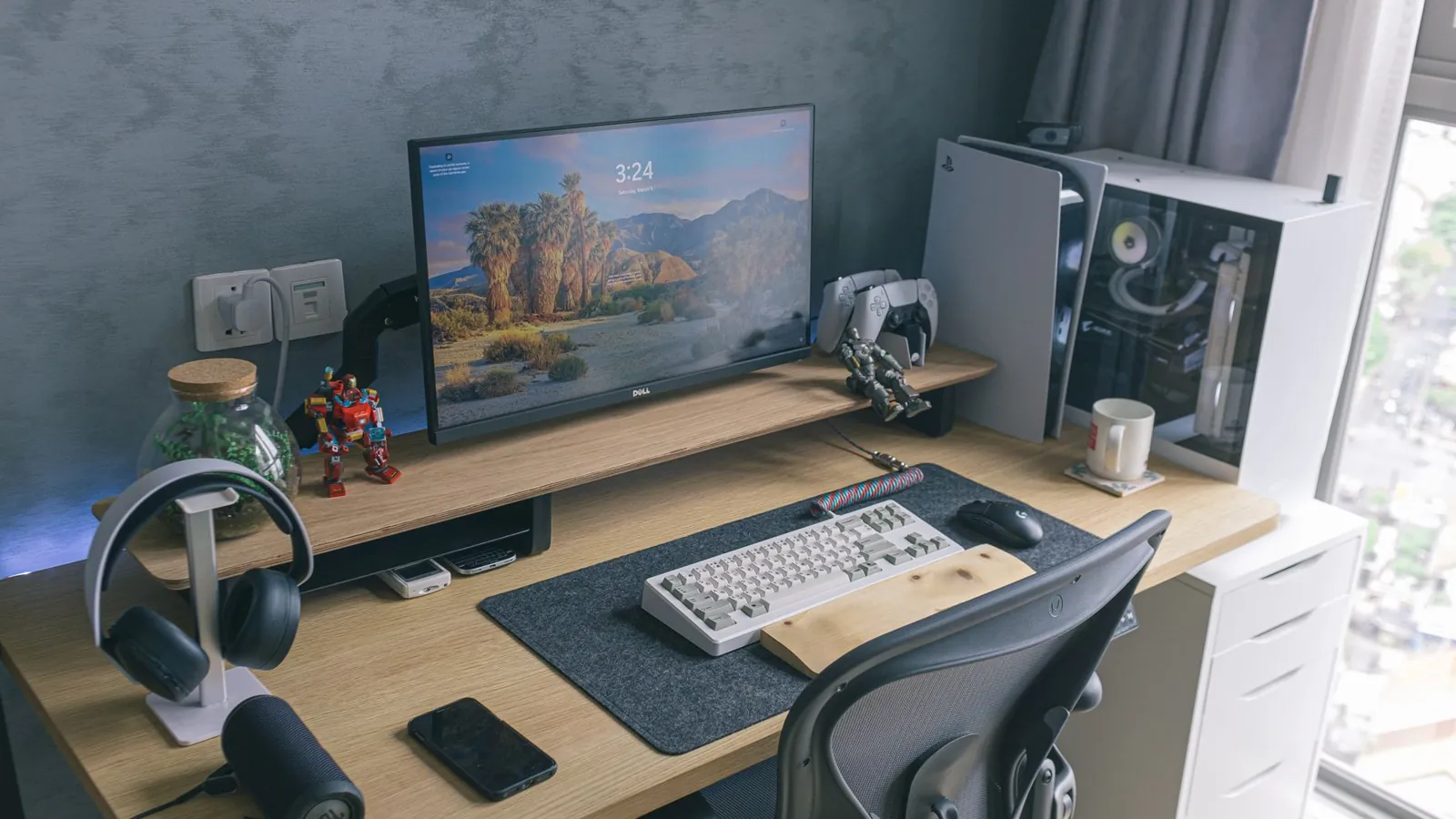
*Hero image: [gaming monitor](/blog/how-to-clean-a-gaming-monitor-screen-body-without-causing-damage) and TV side by side, representing the gaming monitor vs TV decision.*
A 27-inch 1440p gaming monitor at 165Hz will beat any 55-inch living-room TV for competitive play, and it is not close. That is the verdict up front. But before we get into it, let us answer the question that brought a lot of you here: does it matter what mouse you use for gaming? Yes, it does, and the same logic that makes a good mouse matter is exactly why the display question matters more. The panel in front of you decides how fast you see everything else.
We are comparing two things people genuinely mix up in 2026: a dedicated gaming monitor and a TV pressed into gaming duty. Both are on sale this week, both look like a screen, and both will run your games. They are not interchangeable. Here is the decision, with prices in USD for our US, UK and European readers.
## The verdict at a glance
If you play shooters, racing games, or anything competitive online, buy a gaming monitor. If you mainly play single-player story games on a couch with friends, a modern TV is the better spend. Our clear winner for the majority of readers on this site is the gaming monitor, because the refresh rate and response time gap is real and you feel it within one match.
## Quick comparison table
| Feature | Gaming Monitor | TV |
|---|---|---|
| Typical refresh rate | 144Hz to 360Hz | 60Hz to 120Hz (144Hz on premium sets) |
| Response time | 1ms to 5ms | 5ms to 15ms |
| Typical size | 24 to 32 inches | 43 to 85 inches |
| Input lag (game mode) | 2ms to 10ms | 8ms to 20ms |
| Resolution sweet spot | 1440p | 4K |
| Price for a good unit (2026) | $250 to $700 | $400 to $1,500 |
| Best for | Competitive play, desk setups, esports | Couch co-op, cinematic single-player, streaming |
| HDR quality | Modest unless you spend big | Strong at the high end |
| Ports | DisplayPort, HDMI, USB hub | Multiple HDMI, often eARC |
## Gaming monitor, where it shines
### Speed you can actually feel
A 165Hz monitor redraws the screen 165 times a second. A standard TV does it 60 times. In a game like Valorant or CS2, that difference is the gap between seeing a peek and reacting to it. Pro setups run 240Hz or higher for a reason. The monitor is doing the work your mouse and reflexes cannot.
### Desk-friendly and sharp
At 27 inches and 1440p, pixels are dense enough that text stays crisp and games look clean without a monster GPU. This is the [best electronics](/blog/croma-independence-day-sale-top-deals-on-iphones-and-electronics) sweet spot for most desk players, and it is why the 1440p 165Hz panel has become the default recommendation for anyone building a PC in 2026.
### Built for the desk, not the wall
Monitors ship with stands that adjust height, tilt and pivot. They have DisplayPort, which most TVs skip. They wake instantly. If your setup is a desk, a chair and a keyboard, a monitor is simply the correct tool.
## TV, where it shines
### Size and cinema
A 65-inch 4K TV at $700 delivers an image a monitor cannot match for scale. For God of War, a racing game with a wheel, or a movie night, the TV wins on immersion. HDR on a good set is genuinely better than on a mid-range monitor.
### Console-native
Modern consoles are built around TV features: 4K at 120Hz, VRR, and all the streaming apps baked in. Plug a PS5 or Xbox into a good TV with game mode on and you get a clean, simple experience with zero desk clutter. That is [same-day delivery](/blog/amazon-s-32-year-journey-how-great-indian-festival-and-same-day-delivery-changed) convenience for the couch player.
### One screen for everything
A TV does games, streaming, sport and family viewing. If you have one room and one budget, the TV covers more ground. Just remember to switch it into game mode, because the default picture mode adds input lag that will make you blame your controller.
## Pricing and value
Concrete numbers, US pricing, November 2026:
- **Entry gaming monitor (24-inch, 1080p, 144Hz):** $150 to $220. Fine for esports titles, tight for anything else.
- **The value pick (27-inch, 1440p, 165Hz):** $250 to $400. This is where most readers should land.
- **High refresh (27-inch, 1440p, 240Hz+):** $450 to $700. Worth it only if you play competitive shooters seriously.
- **Good gaming TV (55-inch, 4K, 120Hz, VRR):** $500 to $900.
- **Premium TV (65-inch plus, strong HDR):** $1,000 to $1,800.
The monitor wins on dollars per frame. The TV wins on dollars per inch. Neither is a rip-off; they are priced for different jobs.
## Our take
For a desk player who splits time between shooters and work, we would buy a 27-inch 1440p 165Hz monitor from a brand like LG or Dell and not look back. For a console player with a sofa and a shared living room, a 55-inch 4K 120Hz set from Samsung or LG is the smarter buy. Do not buy a cheap TV and expect it to behave like a monitor. It will not.
## Which one should you choose
- **If you play competitive online games at a desk, pick a gaming monitor.** Refresh rate and response time are the whole game.
- **If you play single-player and couch co-op with a console, pick a TV.** Size and HDR matter more than 240Hz here.
- **If you stream and game from one setup, pick a monitor plus a [capture card](/blog/how-to-set-up-two-pcs-for-streaming-and-gaming-a-step-by-step-guide).** A TV complicates streaming.
- **If you are on a tight budget and play everything, pick a 1440p 165Hz monitor.** It covers more ground per dollar.
- **If you mainly watch sport and occasionally game, pick a TV.** It is the better all-rounder for a living room.
And yes, the mouse question circles back: a great monitor with a bad mouse is a wasted setup. Get both right.
## FAQ
**Can I just use a TV as a monitor?**
You can, but text looks soft at close range and input lag is higher even in game mode. For desk work and competitive play, a monitor is the better tool.
**Can I upgrade a TV into a gaming screen later?**
Not really. You can add a console or a streaming stick, but you cannot add refresh rate or lower input lag. Buy the right panel first.
**What is the deal-breaker?**
Input lag above roughly 20ms and a 60Hz cap. If a TV cannot do 120Hz with VRR and a low-lag game mode, skip it for gaming.
## Sources
- [RTINGS TV and monitor input lag data](https://www.rtings.com) (rtings.com)
- [DisplayNinja gaming monitor guide](https://www.displayninja.com) (displayninja.com)
- [Tom's Hardware monitor buying guide](https://www.tomshardware.com) (tomshardware.com)
Frequently asked questions
Can I just use a TV as a monitor?
You can, but text looks soft at close range and input lag is higher even in game mode. For desk work and competitive play, a monitor is the better tool.
Can I upgrade a TV into a gaming screen later?
Not really. You can add a console or a streaming stick, but you cannot add refresh rate or lower input lag. Buy the right panel first.
What is the deal-breaker?
Input lag above roughly 20ms and a 60Hz cap. If a TV cannot do 120Hz with VRR and a low-lag game mode, skip it for gaming.
 GamesNFans