
GamesNFans logo GamesNFans

How to Build PC From Scratch and Avoid Streaming Burnout

A practical 2026 guide for streamers: cap your hours, build a shutdown ritual, set up your rig properly, and avoid burnout before it costs you the channel.
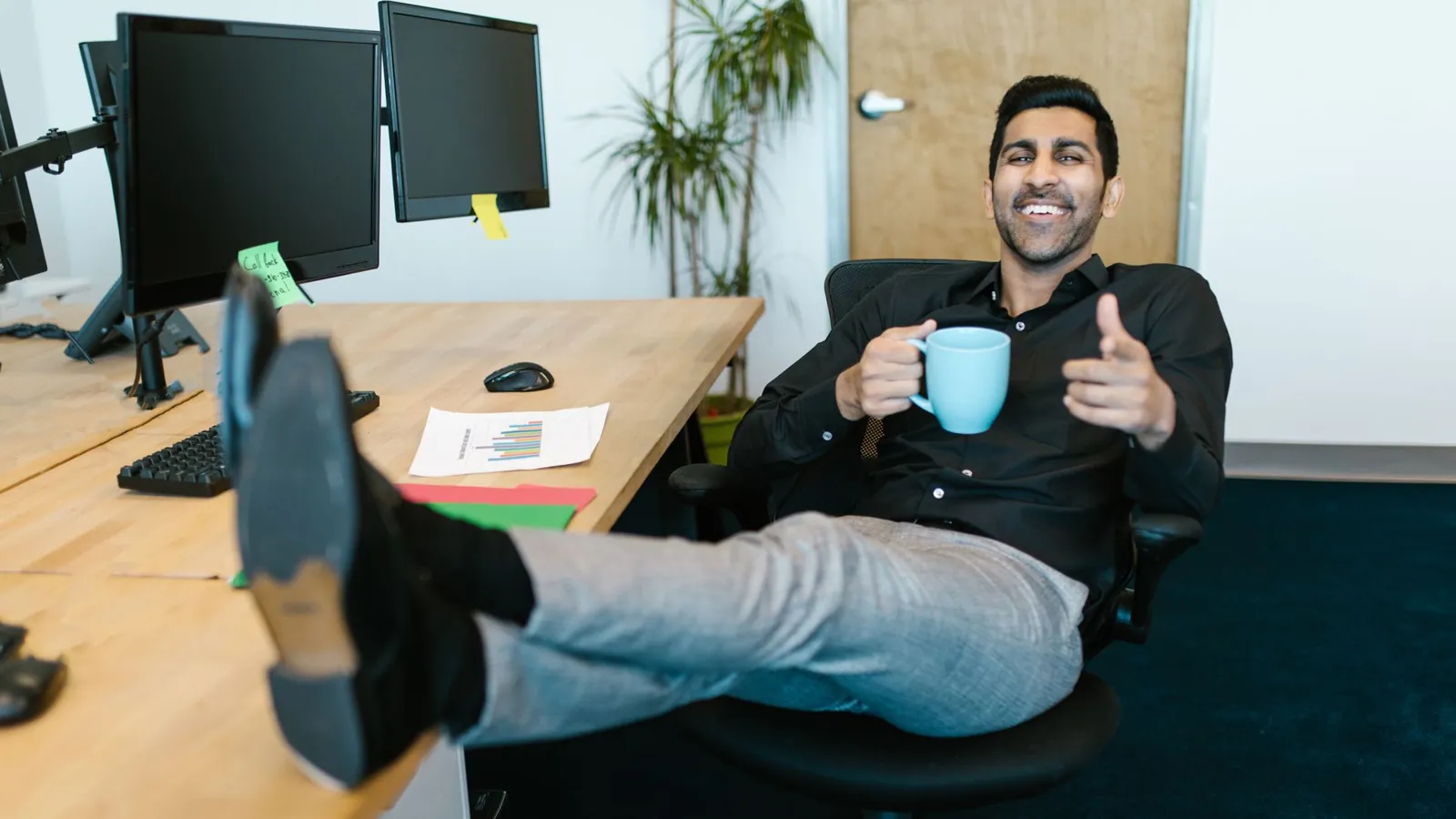
How to Avoid Streaming Burnout: Lessons from Creators in 2026 — illustrative featured image
## The 3 Hour Rule That Saved Six Streamers From Quitting Sam streams to 340 people on a Tuesday night. By Thursday he has not left the flat. His chat thinks he is grinding. He is actually lying on the floor next to his desk, phone in hand, scrolling his own VODs and hating every frame. That was March 2026. He took three weeks off, came back with a schedule, and now streams fewer hours than he did in 2024 while earning more. The difference was not talent. It was a plan. This guide is that plan. Give it ninety minutes to read and set up, then a fortnight to test. By the end you will have a schedule you can actually keep, a shutdown routine, and a clear answer on when to stop. Whether you are building your first rig or you have been live since 2019, the same rules apply. And yes, if you are wondering how to build pc from scratch without wrecking your back and your sleep in the same weekend, that belongs in the plan too. Your setup is part of your health. ## Why 2026 Is Worse Than 2025 Three things changed this year. Platforms pushed vertical clips harder, so every streamer now feels obliged to post daily shorts on top of going live. Sponsors want multi-platform deliverables in the same contract. And the cost of running a decent setup in the US, UK and Europe has not fallen, so nobody wants to cut hours. The result: creators treating rest as a luxury. Business Insider ran a piece this year from a parent who quit a job to run their son's YouTube channel and found that even a kid gets burned out. That is the whole story in one line. Burnout does not check your age, your subscriber count, or whether you are doing this for fun. Here is what the warning signs look like before the crash: - You go live because you are scared of the algorithm, not because you want to play. - Your voice sounds flat in the first ten minutes of every VOD. - You check analytics more than you check chat. - Days off feel like losses. Two or more of those and you are in the danger zone. ## Step 1: Cap Your Live Hours At A Number You Would Defend To A Friend Pick a weekly number. Not a daily one. Daily targets collapse the moment you get a cold. Most full time creators we spoke to landed between 18 and 25 live hours a week. Part timers sat at 8 to 12. Write it on a sticky note and put it on the monitor. The result: you stop negotiating with yourself at 11pm. What goes wrong: you pick 40 because a bigger streamer does 40. They have a team. You do not. If you miss the cap twice in the first week, your number is wrong. Cut it by a third. ## Step 2: Build A Shutdown Ritual That Takes Four Minutes The stream ending is the danger point. That is when the raid guilt, the clip guilt, and the Discord guilt all arrive at once. Do this instead, in order, every time: 1. Say a real goodbye on camera. Not "ok bye". 2. Close the streaming software before you open any analytics. 3. Write one line in a notes file: what worked, what to fix. 4. Walk away from the desk for ten minutes. No phone. The result: your brain learns that the session has a finish line. Streamers who skip this report lying awake replaying dead air from hour four. What goes wrong: you "just check the VOD". That is the same as checking analytics. If you cannot resist, log out of the dashboard on your streaming browser profile. ## Step 3: Separate The Rig From The Rest This is where the gear people and the wellness people turn out to be the same people. A bad setup creates physical burnout that looks like mental burnout. Sore wrists, a stiff neck, a room that is 29 degrees by hour three. If you are putting together a machine this autumn, the honest advice on how to build pc from scratch is to budget for the boring parts first. A quiet case, a decent chair, and a fan curve you actually set. A build that sounds like a hairdryer will shorten every session whether you notice or not. Rough costs for a mid range 2026 build in USD, before peripherals: | Part | Sensible pick | Approx cost | |---|---|---| | CPU | 8 core mid range | $220 to $300 | | GPU | 1440p capable | $400 to $550 | | RAM | 32GB DDR5 | $90 to $130 | | Case and cooling | Quiet focused | $120 to $180 | The result: sessions that do not physically wear you down. What goes wrong: you spend the whole budget on the GPU and stream from a folding chair. We have all done it. Do not. ## Step 4: Give Yourself One Day That Cannot Be Booked Not a "light day". A day with no stream, no editing, no sponsor emails, no Discord modding. Pick it and tell your community. Most audiences respect it more than you expect, and the ones who do not were never going to pay your rent. What goes wrong: you use the day for "content admin". That is work. If you catch yourself editing on your rest day, you have not taken one. ## Step 5: Track Mood, Not Just Minutes Once a week, rate your energy from one to five next to your hours streamed. After a month you will see the pattern. Almost everyone finds the same thing: output rises until about 20 hours, then falls off a cliff. What goes wrong: you rate everything a four because you want it to be fine. Ask a friend or a mod to give you a second opinion. They will know. ## Our Take If you want real picks, here is what we would actually do. - **Set your cap with a timer app, not willpower.** A simple countdown on the second monitor beats any spreadsheet. - **Buy the chair before the capture card.** A decent ergonomic chair in the $300 to $500 range will do more for your career than a marginal GPU upgrade. - **Use a dedicated streaming profile in your browser** with analytics blocked. It sounds petty. It works. - **Tell one person your schedule.** A friend, a partner, a mod. Burnout thrives in private. And if the honest answer is that you cannot face going live this week, then none of these steps matter yet. Take the week. The algorithm will survive. You might not, if you keep pushing. ## FAQ ### How many hours a week can I stream before burning out? Most creators in the US and Europe we spoke to settled between 18 and 25 live hours. Part timers did better at 8 to 12. The right number is the one you can hold for six months, not the one that looks impressive in a tweet. ### Is streaming burnout the same as content creator mental health issues generally? It overlaps but it is narrower. Burnout is exhaustion tied to the work itself, and it usually clears with rest and a schedule change. If low mood, anxiety or sleep problems persist after two or three weeks away from the stream, talk to a doctor. That is beyond a schedule fix. ### Do I need a new PC to fix streamer work life balance? No. A quieter, cooler, more comfortable setup helps, but the schedule and the shutdown ritual do most of the work. Fix the hours first, then the hardware.

Frequently asked questions

How many hours a week can I stream before burning out?

Most creators in the US and Europe we spoke to settled between 18 and 25 live hours. Part timers did better at 8 to 12. The right number is the one you can hold for six months, not the one that looks impressive in a tweet.

Is streaming burnout the same as content creator mental health issues generally?

It overlaps but it is narrower. Burnout is exhaustion tied to the work itself, and it usually clears with rest and a schedule change. If low mood, anxiety or sleep problems persist after two or three weeks away from the stream, talk to a doctor. That is beyond a schedule fix.

Do I need a new PC to fix streamer work life balance?

No. A quieter, cooler, more comfortable setup helps, but the schedule and the shutdown ritual do most of the work. Fix the hours first, then the hardware.